Intro
A lot of “mini” USB microphones feel like a compromise you make because you’re short on space, patience, or both. The Razer Seiren V3 Mini doesn’t behave like that. It’s compact, yes, but it’s also clearly designed by people who understand the daily grind of calls, streams, and quick recordings—where you’re constantly switching between speaking, muting, repositioning, and trying not to knock your mic into the next dimension.
The headline features are straightforward: a 14 mm condenser capsule, a supercardioid pickup pattern, tap-to-mute with an LED indicator, a built-in shock absorber, and plug-and-play USB. None of that is exotic. The difference is how those choices add up on a real desk.
This mic isn’t trying to be a studio statement piece. It’s trying to be the thing you stop thinking about after day two because it just works—and because your voice sounds clean enough that nobody asks you to “check your mic” ever again.


Ad — after intro placement.
What to Consider
**1) Placement matters more than brand names.**
A supercardioid mic is fussier about where it wants you to speak from. Done right, it’s a gift: it focuses on your voice and trims the room. Done wrong—too far away or off to the side—and you’ll sound thinner, quieter, or oddly distant. With a mic this small, it’s easy to leave it parked near your monitor and talk at it from a foot and a half away. Don’t. Pull it closer, aim it properly, and your results jump immediately.
**2) Supercardioid is a “good neighbors” pattern, with a catch.**
If you’re in a shared space or you’ve got a keyboard that sounds like hail on a tin roof, the Seiren V3 Mini’s tighter pickup can help keep that noise from dominating. But supercardioid patterns can be more sensitive to what’s directly behind the mic than a standard cardioid. Translation: if the back of the mic faces a noisy PC fan or a reflective wall, you may hear more of it than you expect. Rotate the setup so the quietest part of your room is behind the mic.
**3) Tap-to-mute is only great if it’s unmistakable.**
Razer includes a tap-to-mute sensor and an LED indicator. That LED is not a gimmick; it’s what keeps you from delivering an entire monologue to a muted channel. In day-to-day use—Zoom calls, Discord, quick voice notes—having a mute you can hit without hunting for software controls is a real quality-of-life upgrade. Just remember that tapping the mic can transmit a little mechanical noise if you do it mid-sentence. Use it between thoughts, not during them.
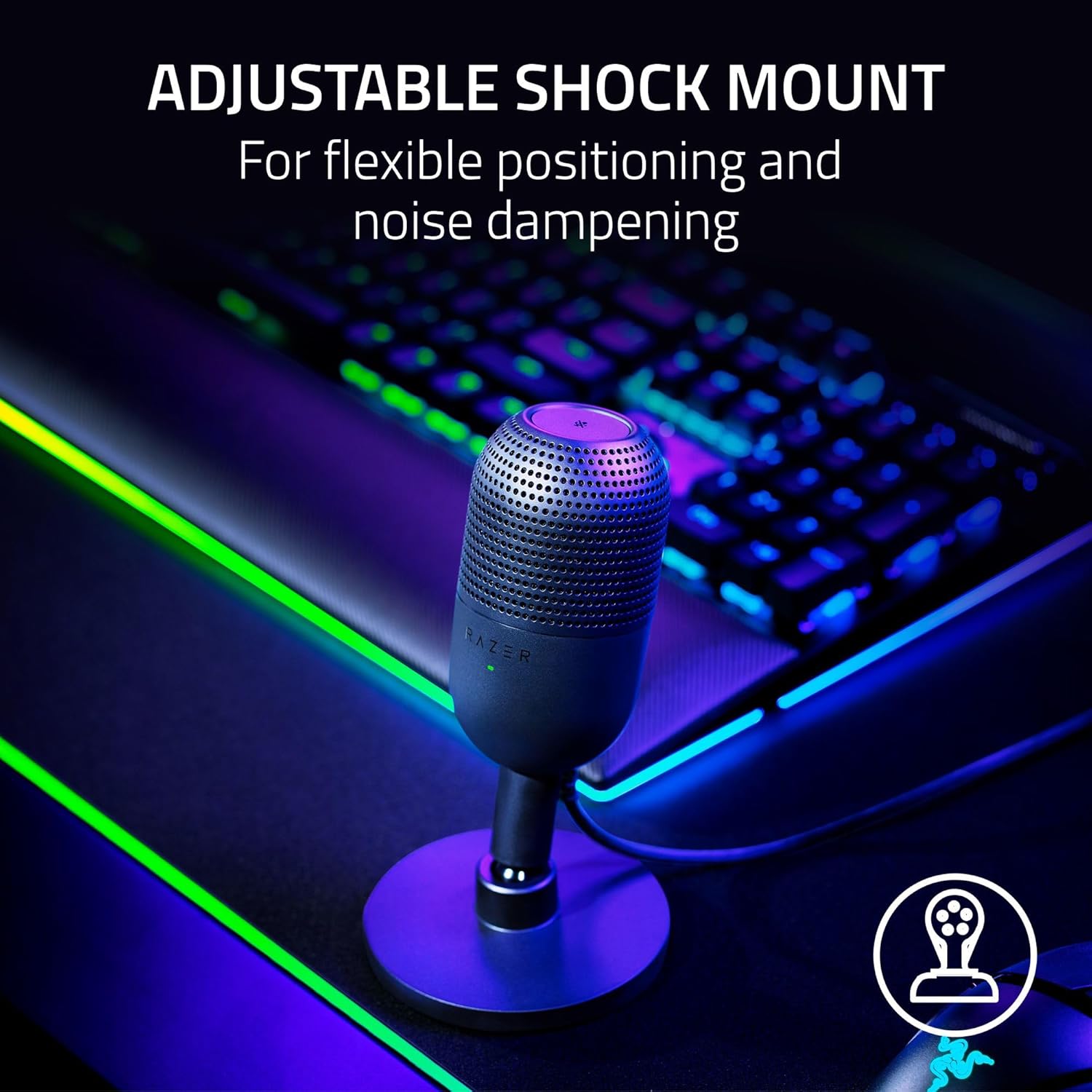
**4) Built-in shock absorption helps, but it’s not magic.**
Desk bumps happen. So do controller drops, chair knocks, and the classic “I was gesturing and hit the table.” The internal shock absorbing design should reduce some of that thud traveling into your audio. Still, if your desk is a trampoline (wobbly legs, thin surface), you’ll hear it. If you’re serious about clean audio, treat the mic like a camera on a tripod: stable surface, minimal vibration, and don’t rest your wrists on the same area while you type.
**5) USB plug-and-play is convenience—and a commitment.**
For most people, skipping drivers and interfaces is the point. You plug it in and it’s available instantly. The tradeoff is flexibility: you won’t have the same analog gain staging options you’d get with an XLR setup, and you’re relying on whatever control your operating system and apps give you. That’s fine for streaming, calls, and content creation, but it does mean you should take five minutes to set input level properly and disable any aggressive “auto gain” features that make your volume pump up and down.
Shortlist (3-5 bullets)
- **Razer Seiren V3 Mini** — Best fit for small desks and creators who want a tight pickup pattern, a simple mute, and a no-fuss USB setup.
- **Blue Yeti Nano** — A friendlier option if you want a familiar desktop form factor and more forgiving placement, especially for casual recording.
- **Elgato Wave:3** — A strong choice if you care about software mixing and routing for streaming, and want more control without going XLR.
- **HyperX SoloCast** — A clean, straightforward USB mic that’s easy to live with for calls and light content work, with minimal setup.
Ad — mid content placement.
Affiliate recommendations
Editorial picks with availability links.
Razer Seiren V3 Mini: A Small USB Mic That Takes Voice Seriously
Short editorial note placeholder.
Verdict
The Seiren V3 Mini makes the most sense for people who want their voice to sound close, present, and controlled without building a studio around it. The 14 mm condenser capsule gives you the clarity you expect from a modern USB mic, and the supercardioid pattern can be genuinely useful if you’re trying to keep a room—and a keyboard—from creeping into every sentence.
Its best trick is how quickly it fits into a routine. Tap-to-mute with a visible LED is the kind of feature you don’t appreciate until you’ve lived without it; then you refuse to go back. The built-in shock absorption is another quiet win. It won’t erase every desk thump, but it takes the edge off the kinds of bumps that happen in real homes.
If you’re the sort of creator who sets a mic on the far side of the desk and hopes for the best, you may find the tighter pickup a little demanding. Give it decent placement—close, aimed correctly, with the back facing the quietest direction—and it rewards you with a more focused, less room-soaked sound.
For an ultra-compact USB microphone, that’s the point: not to be flashy, but to be dependable. The Seiren V3 Mini earns its spot by making “good audio” feel normal instead of a project.
Ad — before related content.
